Purchases, suppliers and real cost prices
Included in BelloPOS Go
Order it, receive it, and let the count and the cost price update themselves.
Free download for Windows · version 2.1.12 · 33 MB · works offline
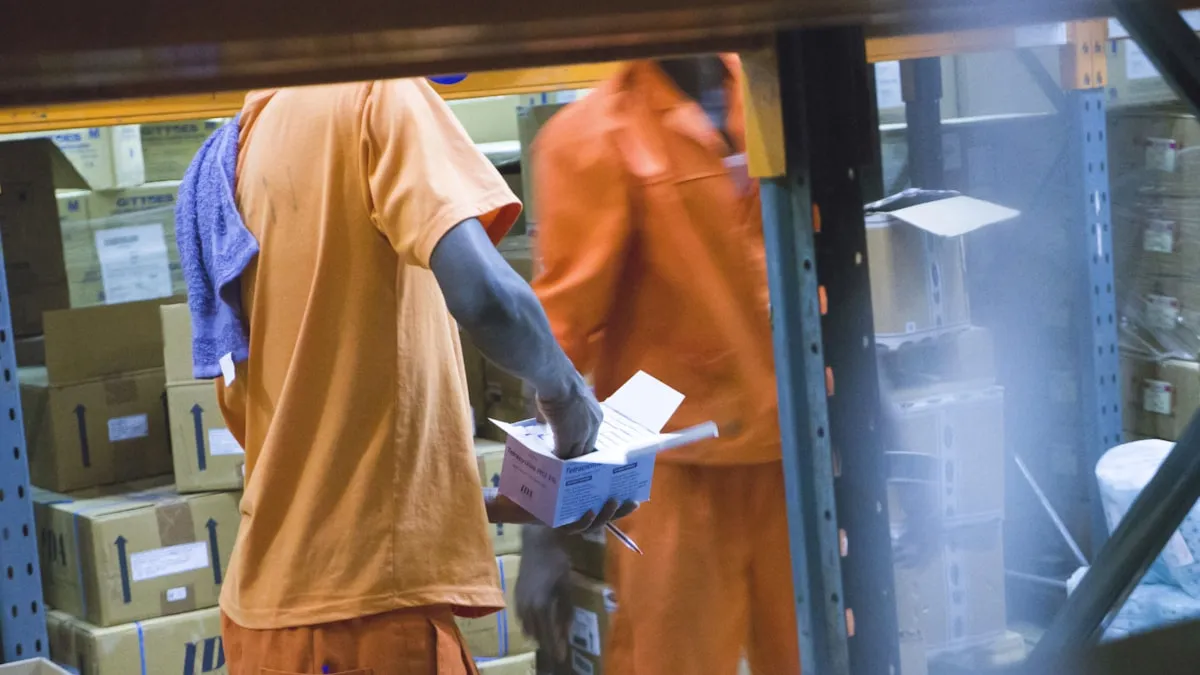
Buying is where a shop's margin is actually decided, and it is usually the least recorded part of the business: a supplier called, a delivery half checked, an invoice in a drawer. BelloPOS turns that into a purchase order you can receive against, so what arrived, what was missing and what it cost are all written down at the moment they are known.
Receiving a delivery raises the stock count and records the cost you actually paid, which is what makes every margin figure elsewhere in the app true. Suppliers get their own records with their history behind them, so the next order starts from what this supplier really charges rather than from last year's price. Purchasing comes with a BelloPOS Go licence, bought once for life.
What it does
Purchase orders you can receive against
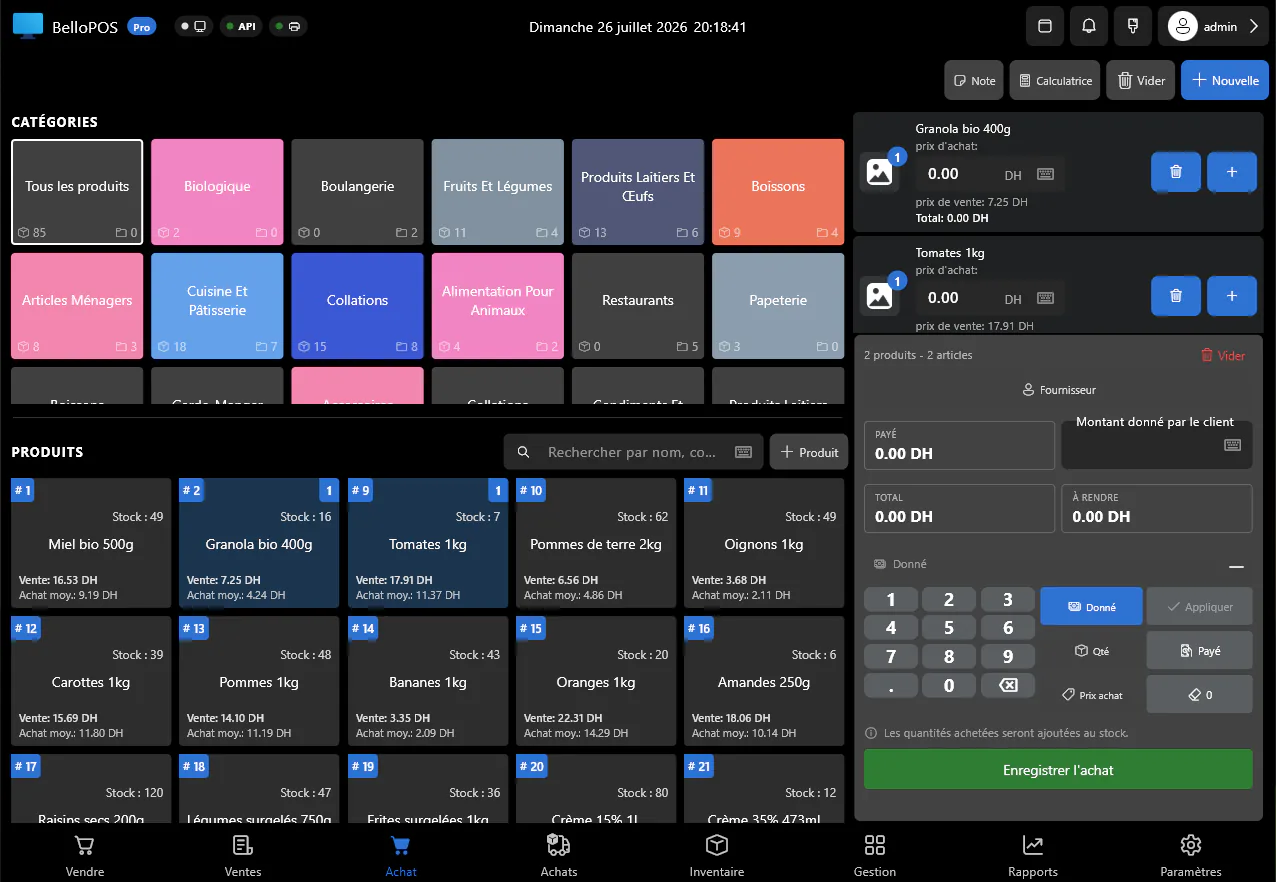
Build the order line by line, send it, then tick off what turned up. Shortages and substitutions are recorded rather than remembered.
Deliveries land straight in stock
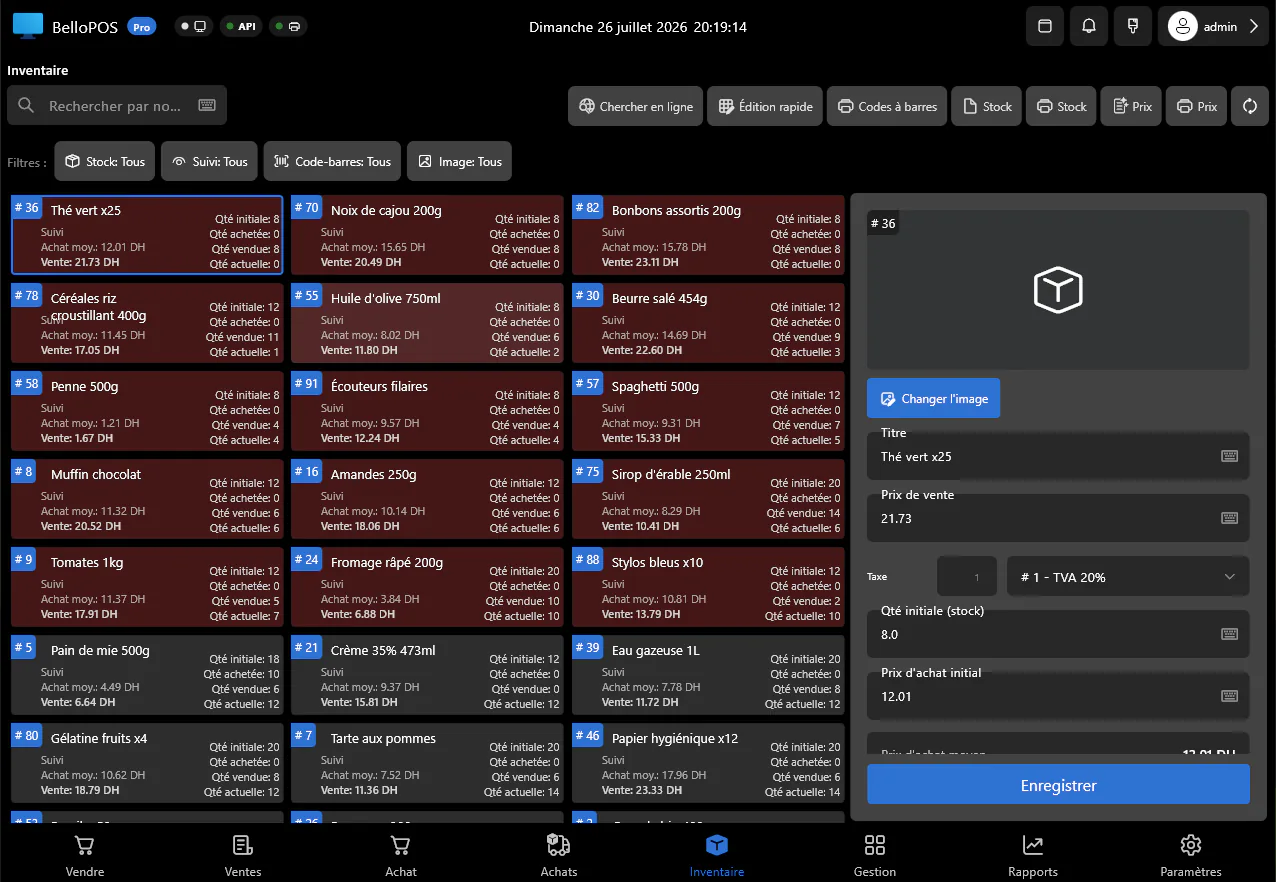
Receiving raises the count on the spot, so the shelf, the stockroom and the software agree without a second data entry pass.
Cost prices that are true
The price on the delivery becomes the cost price on the product, which is what turns the margin column into something you can act on.
A record per supplier
Contact details, past orders and what you have paid them, so a negotiation starts from evidence instead of a feeling.
See it in the app
Real screens from BelloPOS on Windows.
How it works, step by step
- 1Create the supplier once, with their contact details.
- 2Build a purchase order from what is low in stock.
- 3Send it, and keep it open until the delivery arrives.
- 4Receive the delivery: quantities go into stock, prices become cost prices.
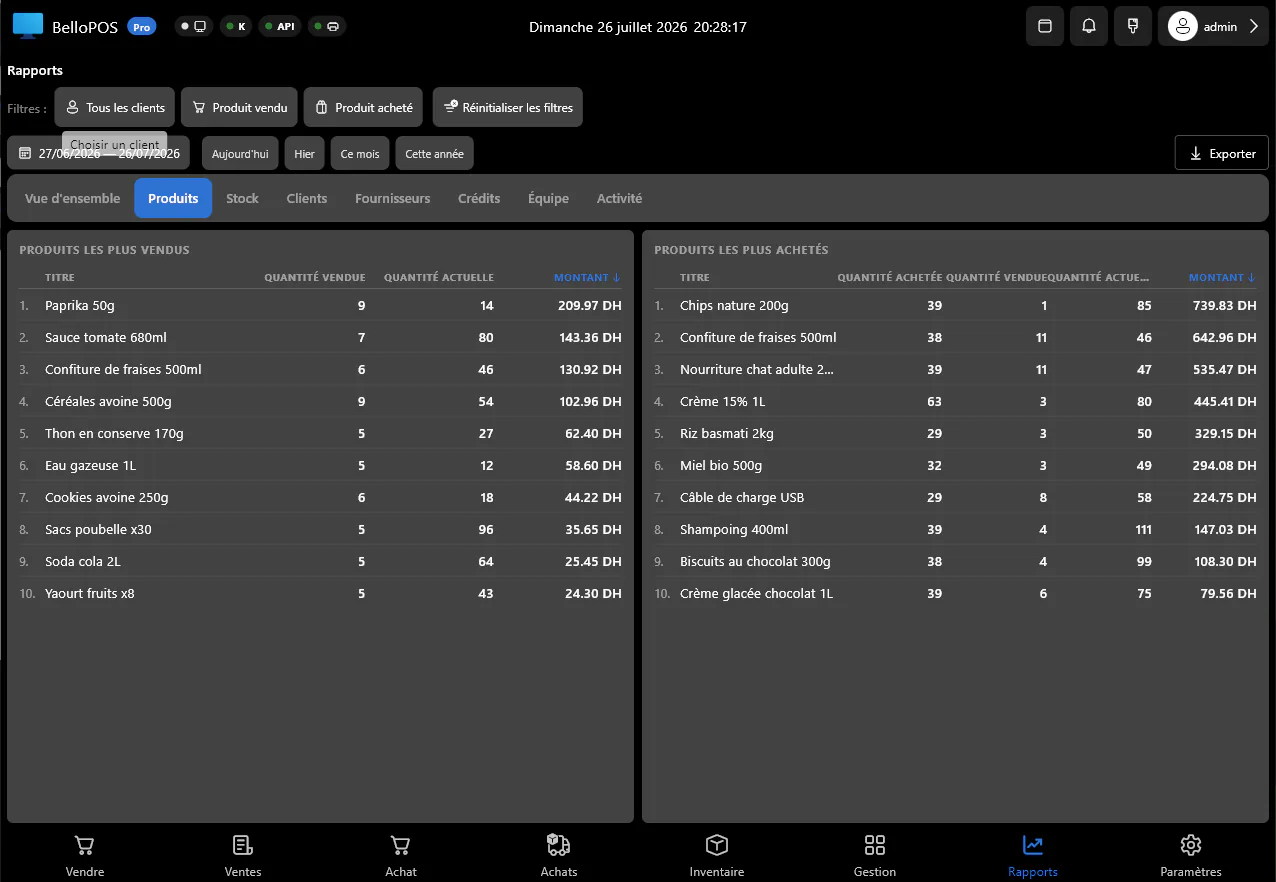
- 5Compare margins per line before deciding what to reorder.
Questions merchants ask
Which plan includes purchasing?
Purchase orders and supplier records come with BelloPOS Go, a lifetime licence bought once. Stock levels and stock takes are already in the free Lite plan.
Does receiving a delivery update my stock?
Yes. Receiving against a purchase order raises the count for every line received and records what you paid as the new cost price.
Can I see what a supplier has cost me?
Yes. Each supplier keeps their order history, so what you have bought and what it cost is on one screen.
Other BelloPOS features
Every module, one page each.
Touchscreen POS software
The till screen your staff will actually use: one tap per item, one second per payment, and nothing waiting on a connection.
Stock management software
Every sale and every delivery moves the count, so what the screen says is what is actually on the shelf.
Barcode and label software
Any scanner works out of the box, and anything without a barcode gets one you print yourself.
Invoicing and receipt software
A thermal ticket for the queue, a proper PDF invoice for the customer who asks, both out of the same sale.
Customer management software
Know who is in front of you, what they bought last time, and what they still owe, before you serve them.
Sales reporting software
What sold, what earned, who sold it and what to order next, without exporting anything to a spreadsheet.
Restaurant POS software
The floor, the pass and the bill on one system, still running when the line goes down mid service.
Offline POS software
Not an offline mode that catches up later: the software simply runs where your shop is.
Multi-till POS software
One PC holds the data, the other terminals talk to it over your own network, and nothing leaves the building.
Staff accounts and permissions
Everyone gets their own login, each role gets exactly the buttons it should have, and the history says who did what.
Purchases, suppliers and real cost prices
Get started today and bring all your commerce into one platform.