Table plan and kitchen display
Included in BelloPOS Pro
The floor, the pass and the bill on one system, still running when the line goes down mid service.
Free download for Windows · version 2.1.12 · 33 MB · works offline
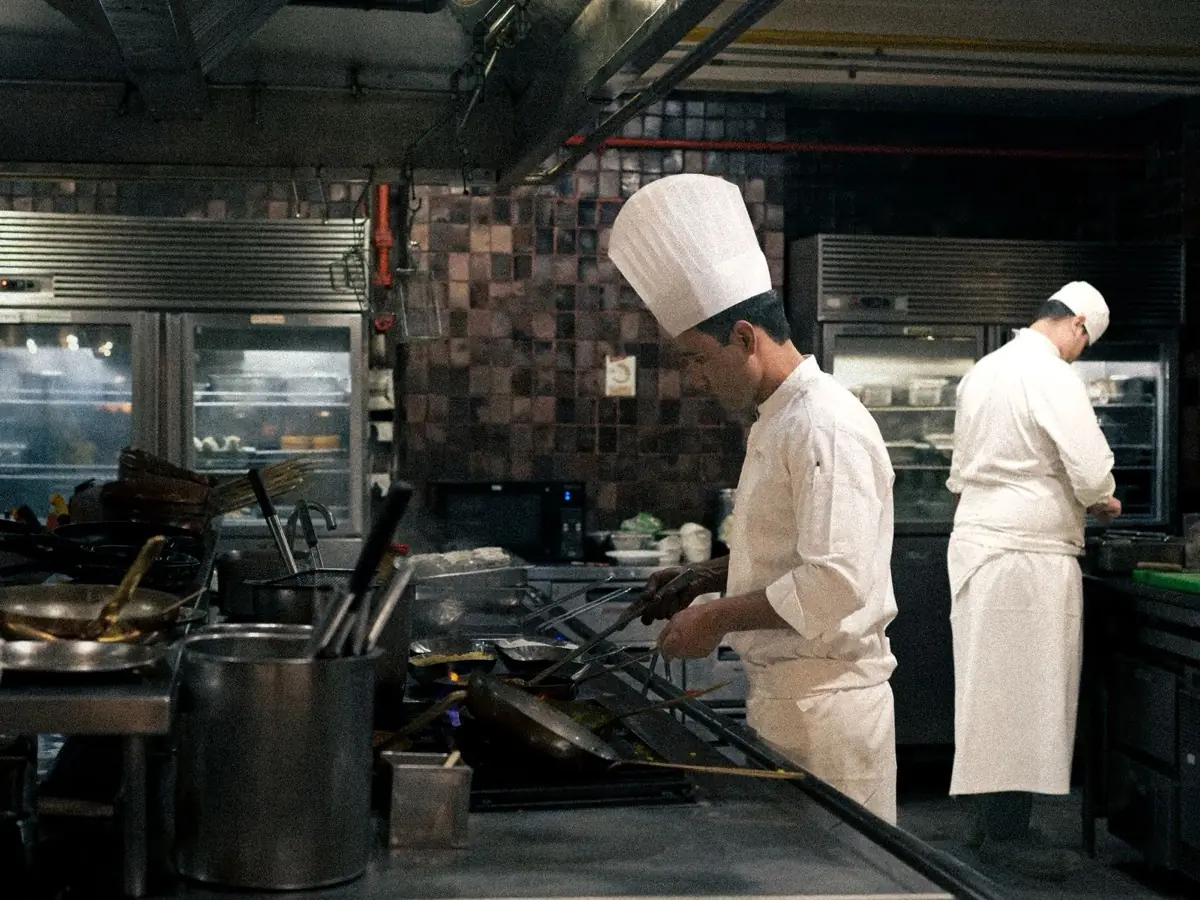
Table service breaks every till that was designed for a counter: an order is not finished when it is entered, a bill moves, a party splits, and the kitchen needs to know before the waiter has walked back. BelloPOS lays out your rooms and terrace as a floor plan, keeps a running total per table, and fires each course to the kitchen the moment it is taken.
The kitchen display shows what is waiting and what is ready, so the pass and the floor stop shouting at each other, and orders can print on a kitchen printer as well. Waiters can take orders from a phone or tablet through a web app on your own local network, with no internet involved. The restaurant module comes with a BelloPOS Pro licence, bought once for life.
What it does
A floor plan that matches the room
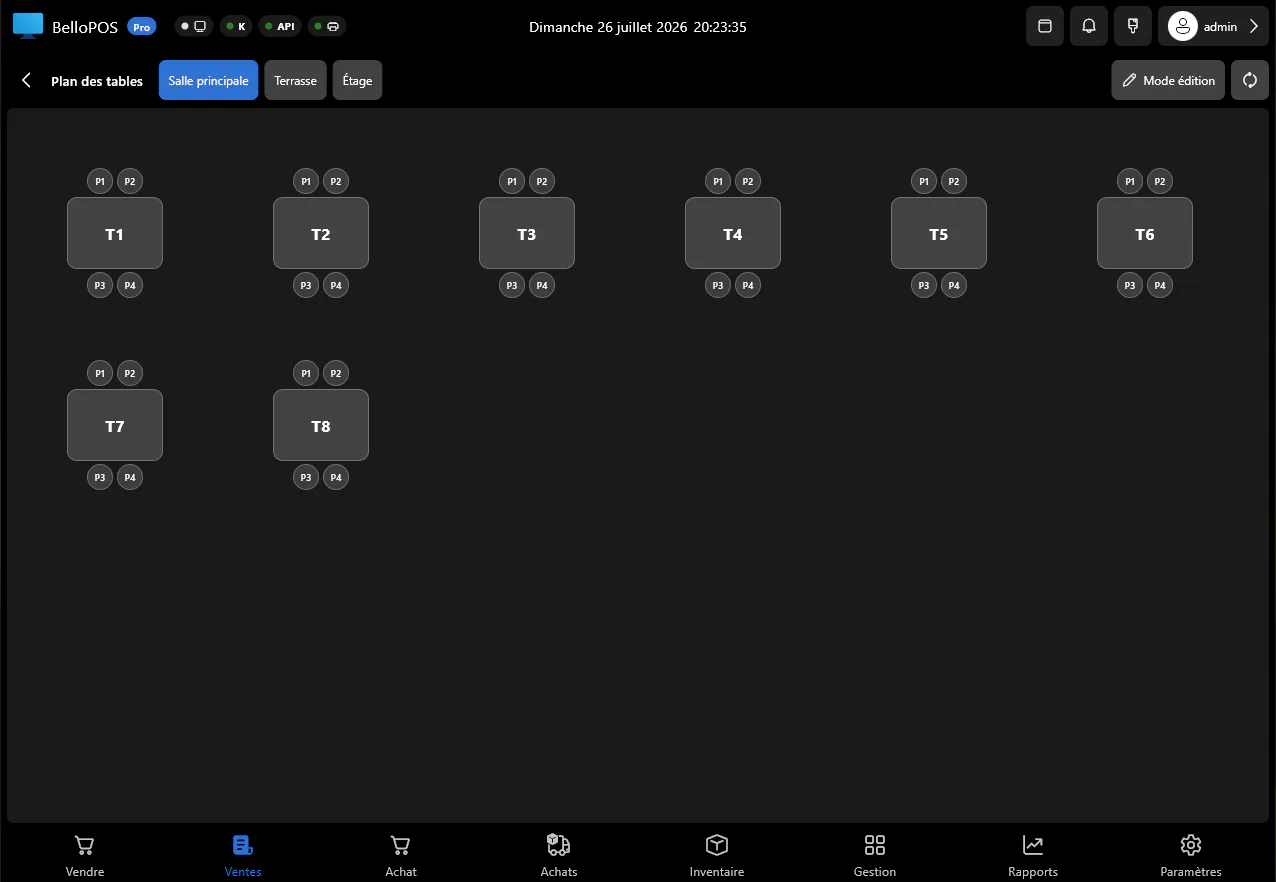
Lay out rooms, the terrace and the tables the way they really are, seat a party, and see every table's running total at a glance.
Bills that move and split
Move an order to another table, split it between diners, or merge two, without starting the order again.
Kitchen display and kitchen tickets
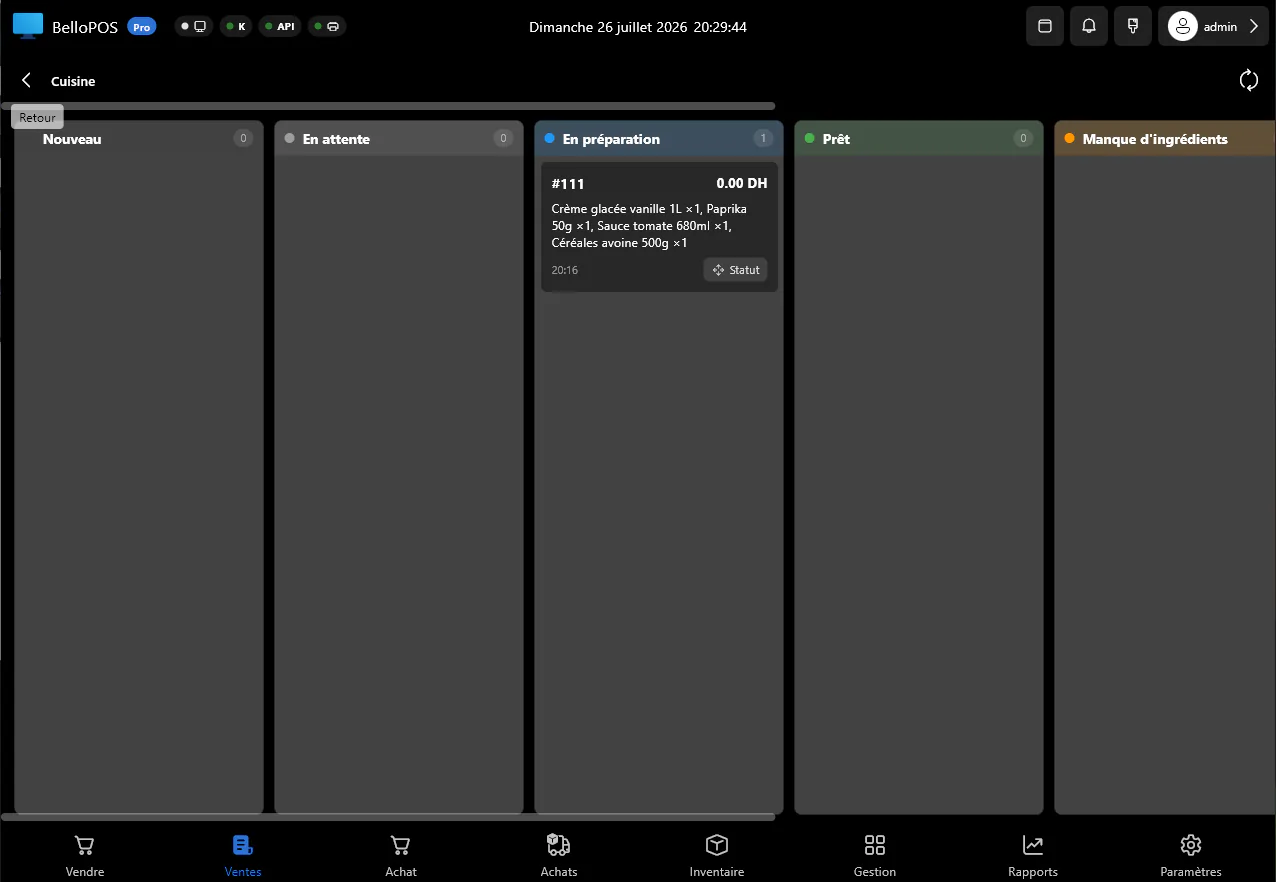
Courses reach the kitchen screen or printer as they are entered, and the cooks mark them ready, so the floor knows what to pick up.
A waiter app on your own network
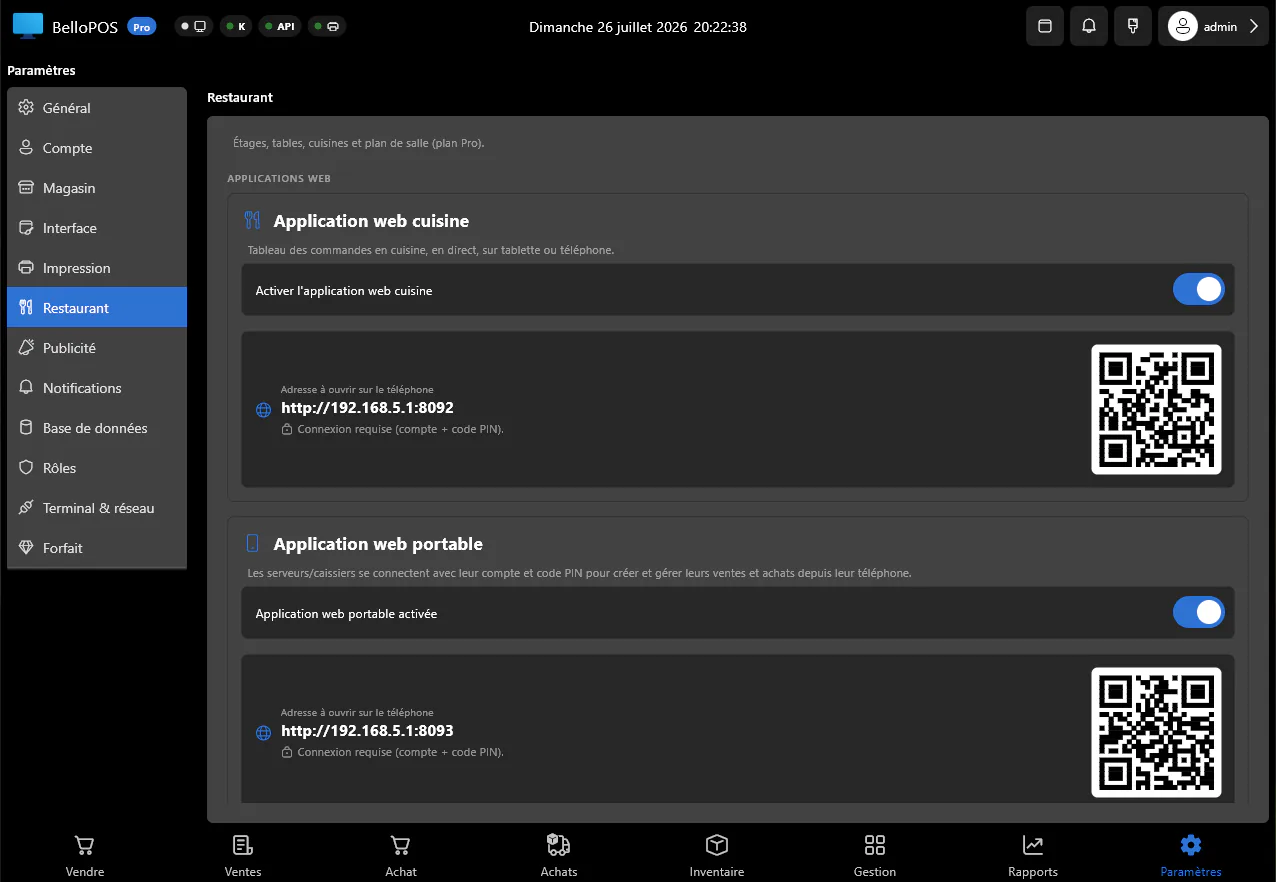
Take orders on a phone or tablet through a local web app. It talks to the PC in the restaurant, not to the internet, so it works when the line is down.
See it in the app
Real screens from BelloPOS on Windows.
How it works, step by step
- 1Draw the rooms and tables once, the way the restaurant is laid out.
- 2Seat the party and take the order at the table or the counter.
- 3Courses fire to the kitchen screen and the kitchen printer instantly.
- 4Add rounds through the service; the table total follows.
- 5Split, move or settle the bill, print it, and close the day per waiter and per shift.
Questions merchants ask
Does the kitchen display need internet?
No. The kitchen screen and the waiter app connect to the PC in the restaurant over your local network. Nothing leaves the building.
Can I split a bill between diners?
Yes, and you can also move a bill to another table or merge two tables, without re-entering the order.
Which plan has the restaurant module?
BelloPOS Pro. It is a lifetime licence bought once, and it includes the floor plan, the kitchen display and the waiter web app.
Other BelloPOS features
Every module, one page each.
Touchscreen POS software
The till screen your staff will actually use: one tap per item, one second per payment, and nothing waiting on a connection.
Stock management software
Every sale and every delivery moves the count, so what the screen says is what is actually on the shelf.
Barcode and label software
Any scanner works out of the box, and anything without a barcode gets one you print yourself.
Invoicing and receipt software
A thermal ticket for the queue, a proper PDF invoice for the customer who asks, both out of the same sale.
Customer management software
Know who is in front of you, what they bought last time, and what they still owe, before you serve them.
Purchasing and supplier software
Order it, receive it, and let the count and the cost price update themselves.
Sales reporting software
What sold, what earned, who sold it and what to order next, without exporting anything to a spreadsheet.
Offline POS software
Not an offline mode that catches up later: the software simply runs where your shop is.
Multi-till POS software
One PC holds the data, the other terminals talk to it over your own network, and nothing leaves the building.
Staff accounts and permissions
Everyone gets their own login, each role gets exactly the buttons it should have, and the history says who did what.
Table plan and kitchen display
Get started today and bring all your commerce into one platform.