BelloPOS for your trade
Free POS for beauty and cosmetics shops
Brands, references and regulars — small, valuable stock counted exactly, on a free offline till.
Free download for Windows · version 2.1.7 · 33 MB · works offline
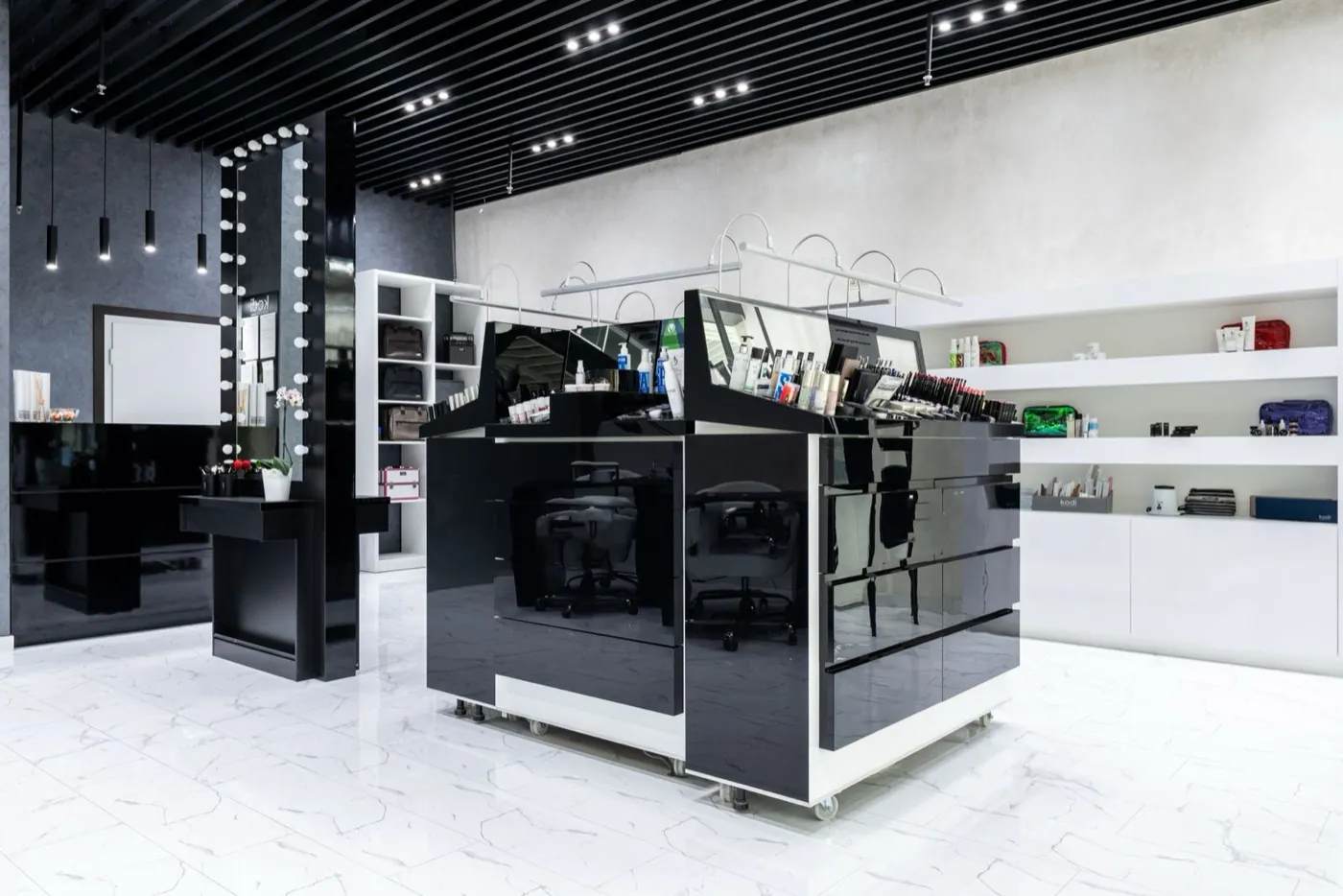
Cosmetics is a business of many small, valuable references: dozens of brands, hundreds of shades, and a stockroom where a miscount is money. BelloPOS keeps every reference under its brand with its own barcode and count, so a scan at the till is also a correction to your stock, and the shelf and the screen never drift apart.
Your regulars are the other half of the trade. Customer profiles keep purchase history and balances at hand, so advice is informed and a returning customer is recognised. It all runs offline on a Windows PC, and the free lifetime licence is enough to open the shop with.
What you get
Brands and references, organised
Group products by brand and category so a shelf of near-identical shades is still findable — at the till and in the stockroom.
Exact stock on small items
Every sale moves the count, and deliveries are received by scanning. High-value references are counted rather than estimated.
Customers who come back
Keep a profile with purchase history and outstanding balance, so you know what a regular already bought before you recommend the next thing.
Barcodes and receipts
Scan what has a barcode, print labels for what does not, and give every customer a branded ticket — or a PDF invoice on request.
How a sale goes
- 1Organise references by brand and category.
- 2Scan at the till, or pick from the grid for testers and loose items.
- 3Attach the sale to a customer profile to build their history.
- 4Receive deliveries by scanning them against the order.
- 5Watch counts and margins on the references that matter most.
Questions merchants ask
Can I organise products by brand?
Yes — brands and categories both exist, so a large catalogue of similar references stays findable for whoever is serving.
Does it keep customer history?
Yes. Each customer profile carries their past orders and any outstanding balance, visible at the till while you serve them.
Is there a free plan?
The Lite plan is free for life and covers selling, stock, barcodes and receipts. Larger plans add purchases, invoice export and the customer screen, bought once with no subscription.