BelloPOS for your trade
Free POS software for auto parts stores
Thousands of references, found in seconds, with stock and mechanic accounts under control.
Free download for Windows · checking the latest release… · works offline
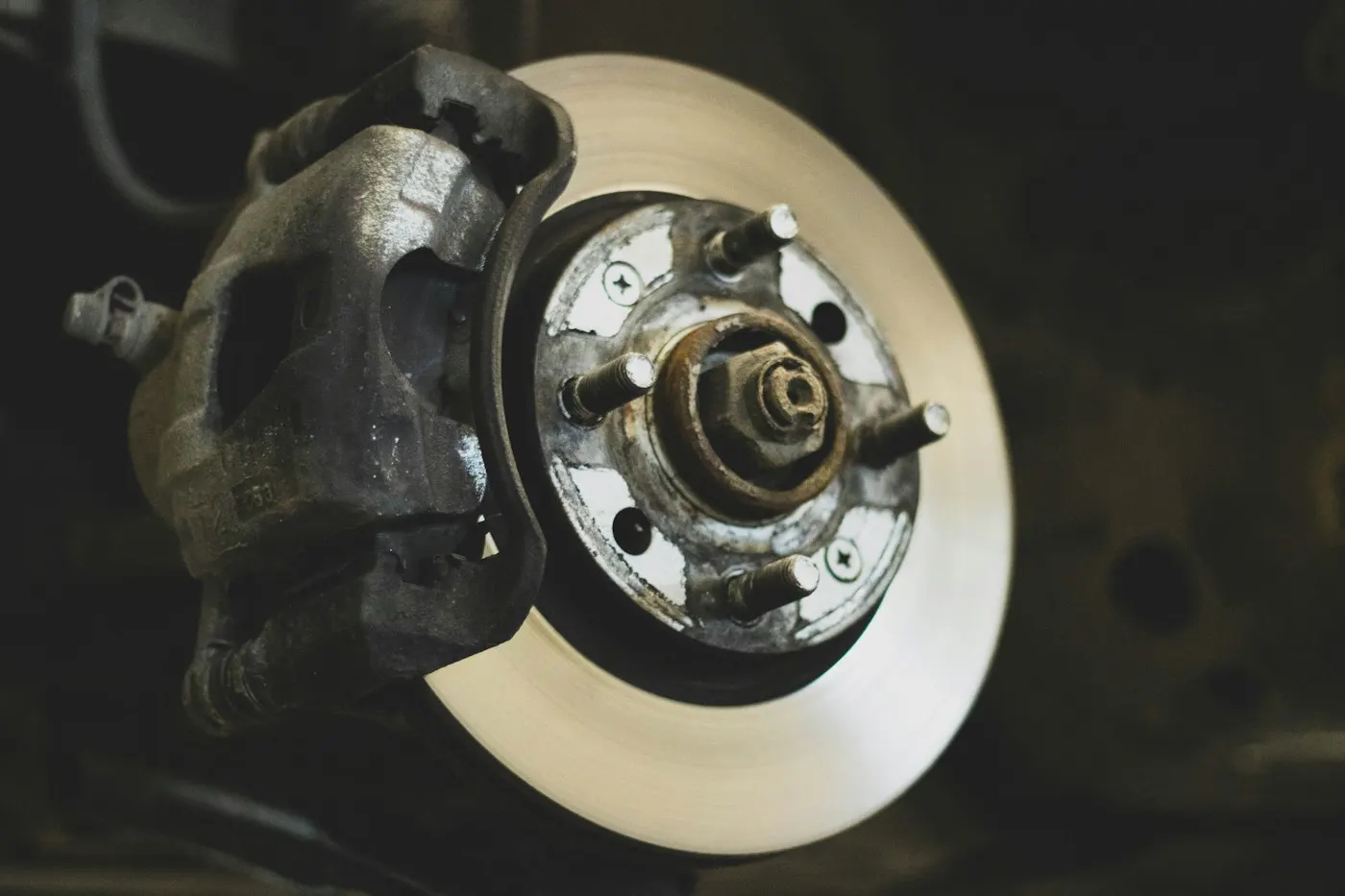
An auto parts counter lives on references: the right filter, the right pads, the right bulb, found fast while the mechanic waits. BelloPOS searches products by name, barcode or reference, shows the stock immediately and puts the part on the ticket, on your shop's Windows PC, with no internet needed.
Choose "Auto parts" at setup and the demo database opens on servicing, brakes, electrical, tyres and accessories, in your language and currency. Keep garages and mechanics on account, record supplier deliveries at real cost, and let stock alerts flag the fast-moving parts before a customer is turned away.
What you get
Find any part fast
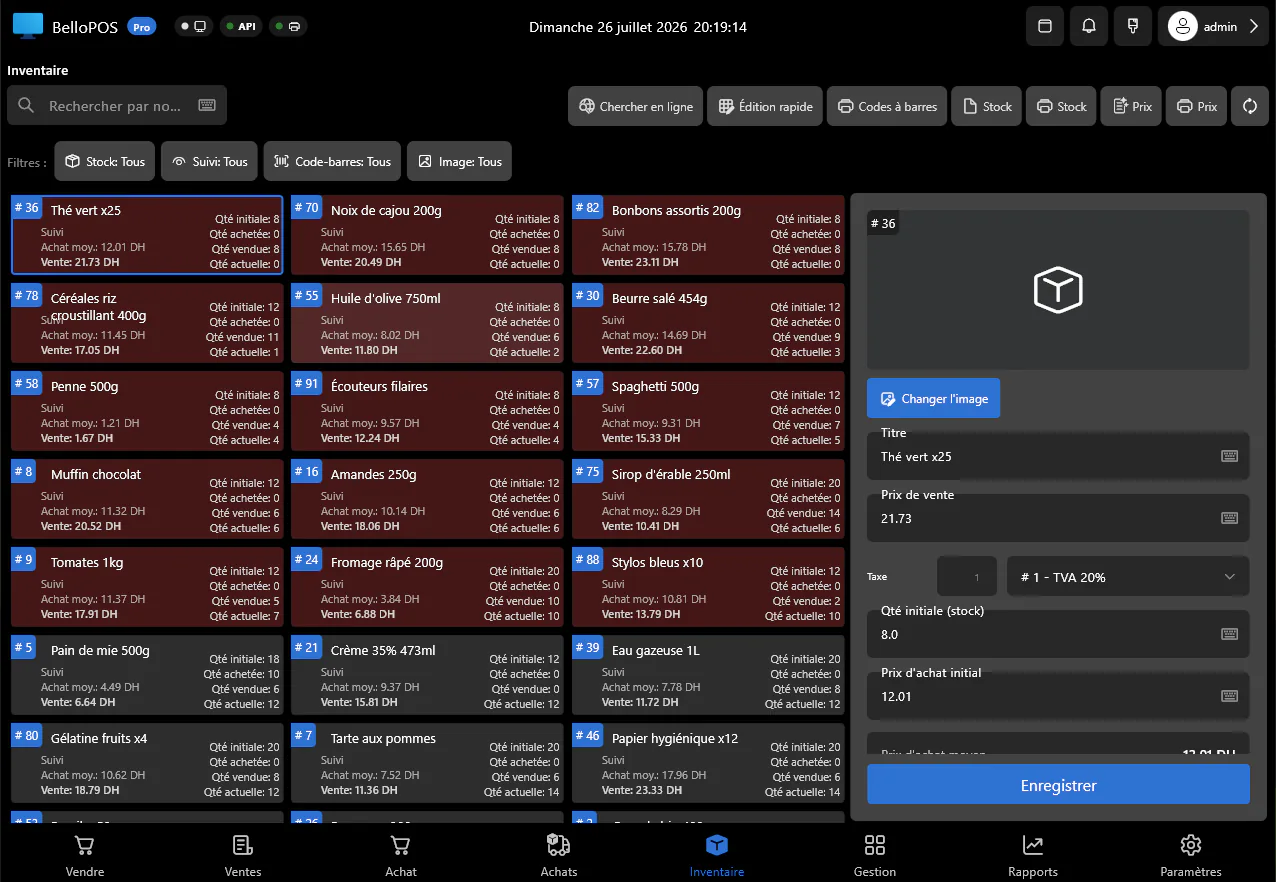
Search by name, barcode or SKU and see price and stock at once, even across thousands of references.
Mechanics on account
Sell to garages on credit, see what each one owes, and settle the balance when they pay.
Supplier purchases
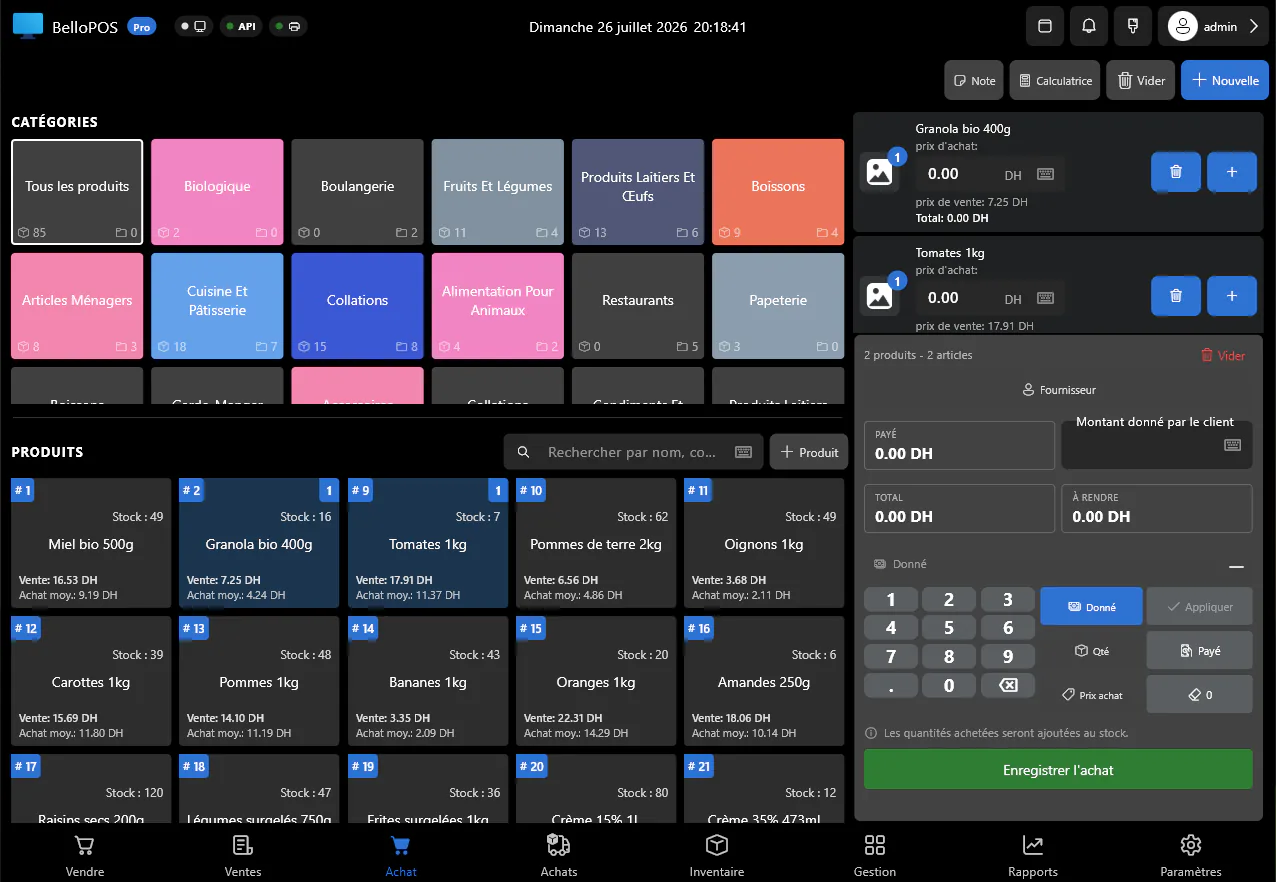
Record each delivery with its cost so stock and margins stay accurate across every brand.
Barcode labels
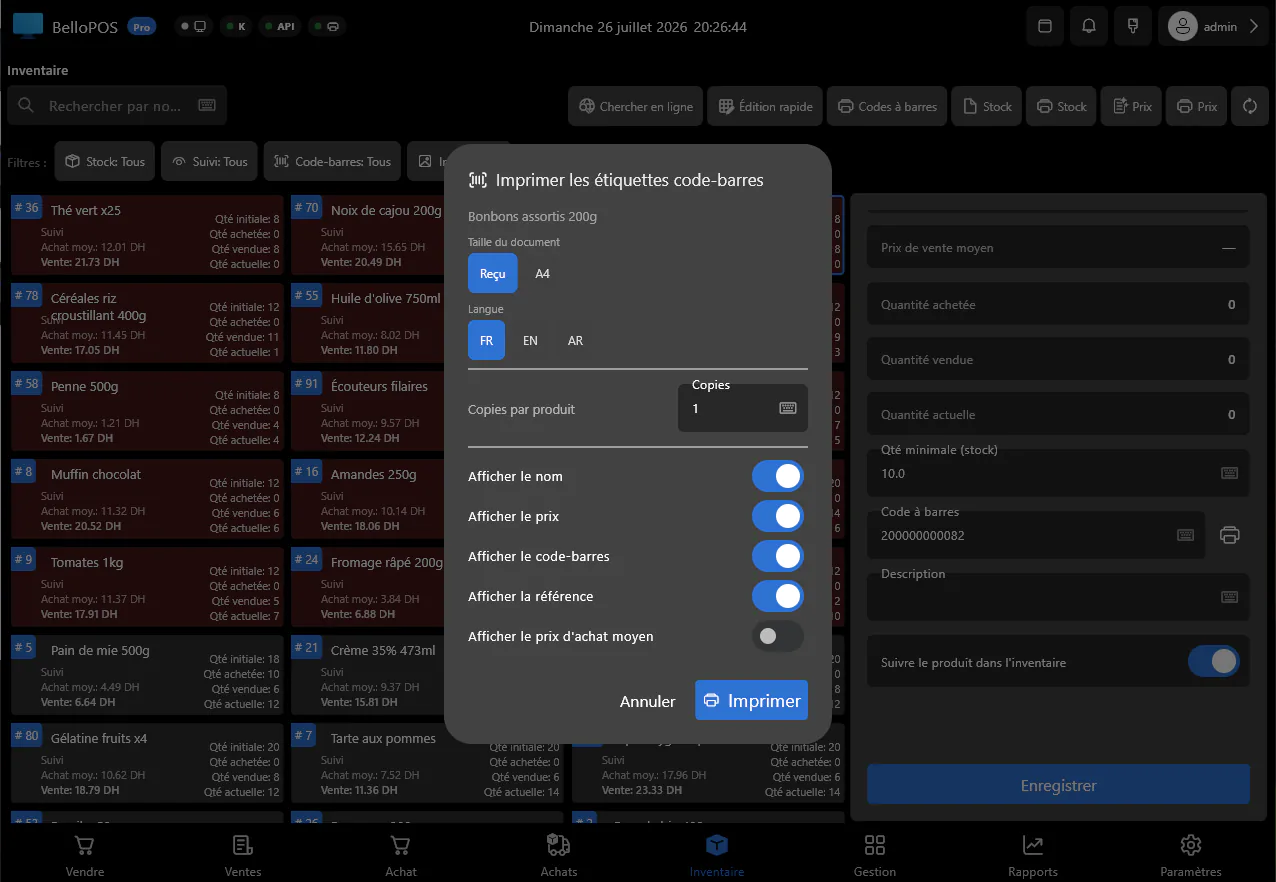
Label parts that arrive without a usable barcode so the counter can scan everything.
See it in the app
Real screens from BelloPOS on Windows.
Your demo catalogue, ready at setup
Choose this activity when you install BelloPOS and these categories and products are created for you, in your language and currency. Rename, reprice or delete them whenever you like.
- 1Install BelloPOS and choose your language and country.
- 2Pick "Try with demo data", then your activity.
- 3Start selling on a catalogue that already looks like your shop.
Auto parts
5 categories · 18 products
Servicing
- Engine oil 5W30 5 L$38.00
- Oil filter$6.00
- Air filter$9.00
- Spark plugs x4$16.00
- Coolant 5 L$11.00
Brakes
- Front brake pads$28.00
- Brake discs x2$65.00
- Brake fluid 1 L$7.00
Electrical
- Battery 70 Ah$110.00
- H7 bulb$4.50
- Wiper blades x2$12.00
Tyres
- Tyre 205/55 R16$75.00
- Tyre 185/65 R15$60.00
- Tyre valve$1.00
Accessories
- Floor mats x4$25.00
- Phone holder$8.00
- Safety kit$15.00
- Car air freshener$2.50
Example prices in US dollars; the app converts them to your currency.
Download nowHow a sale goes
- 1Search the part by reference, name or barcode.
- 2Check stock and add it to the ticket.
- 3Take payment or put the sale on the garage's account.
- 4Print the receipt or the invoice.
- 5Reorder the fast movers flagged by stock alerts.
Questions merchants ask
Can I search by reference?
Yes. Every product has a barcode and an SKU, and the till searches by either as well as by name.
Is there a demo auto parts catalogue?
Yes. At setup choose "Try with demo data", then "Auto parts", and servicing, brake, electrical and tyre products are created for you.
Does it work without internet?
Yes. The whole catalogue and all sales live on your own PC, so the counter never waits for a connection.
Other trades
All BelloPOS featuresRestaurants
Tables, the kitchen pass and fast service.
Cafes & coffee shops
Quick orders, the counter and the terrace.
Supermarkets & grocery
Barcodes, stock and busy checkouts.
Bakeries & pastry
Weigh, sell and keep up with fresh batches.
Fashion & apparel
Sizes, variants and seasonal collections.
Beauty & cosmetics
Brands, testers and loyal customers.
Bars & lounges
Rounds, tabs and a busy counter.
Convenience & general retail
Snacks, drinks and everyday goods.
Butcher shops
Sold by weight, cut by cut.
Parapharmacies
Dermo-cosmetics, baby care and supplements.
Stationery & school supplies
Back-to-school rush, item by item.
Electronics & phones
Phones, accessories and high-value tickets.
Home appliances
High-value sales, deposits and deliveries.
Furniture stores
Showroom sales, deposits and orders.
Free POS software for auto parts stores
Get started today and bring all your commerce into one platform.